Microsoft Outlook uses Offline Storage Table (OST) files to store synchronized mailbox data on a local computer. These files allow users to access previously synchronized emails and other mailbox information when an Exchange Server or Microsoft 365 connection is temporarily unavailable. However, when users need to migrate mailbox data, recover accessible information from an old profile, or create a portable email archive, converting OST files into Personal Storage Table (PST) format may be necessary.
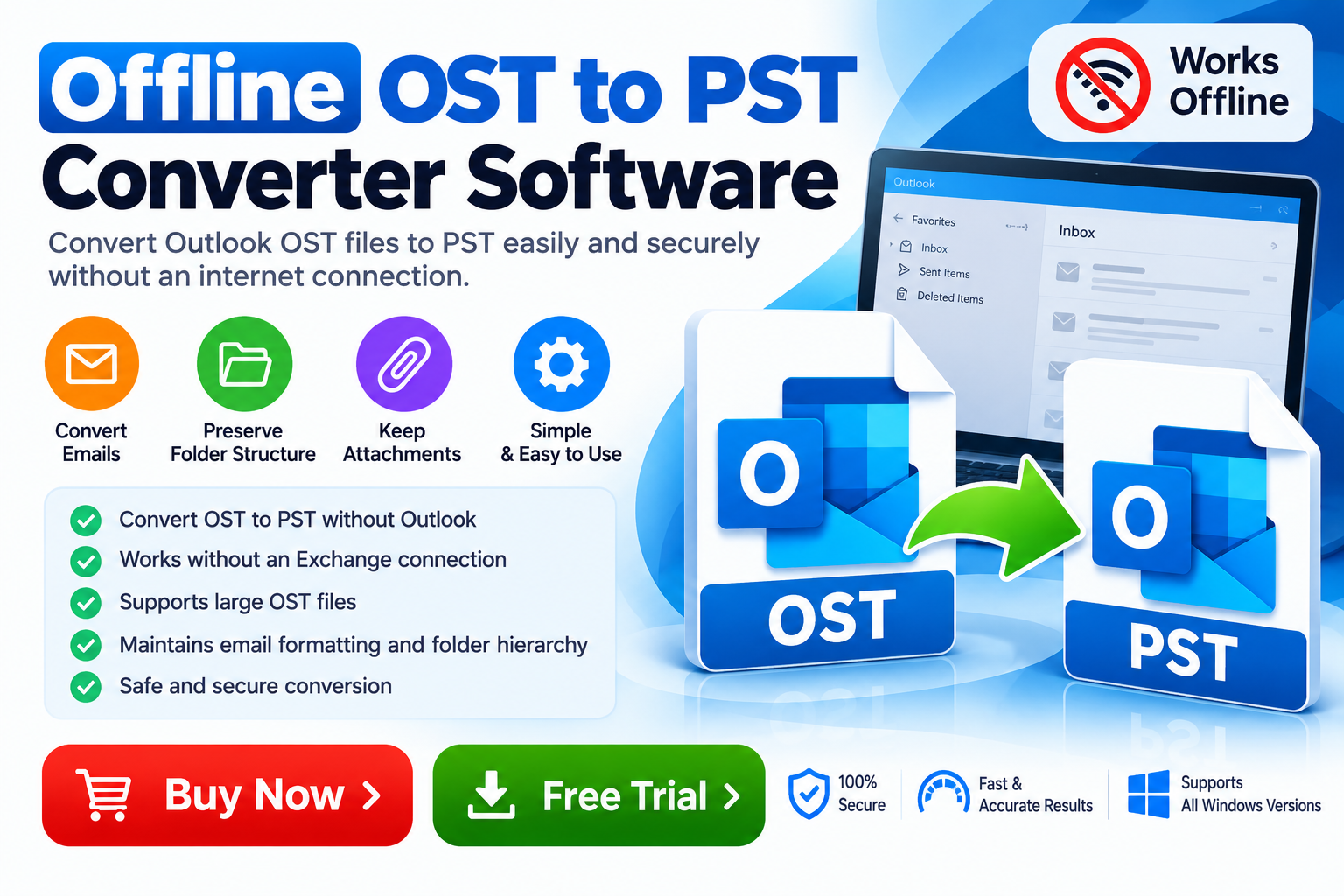
Offline OST to PST Converter Software is designed to help users convert supported OST files into PST format without relying on a continuous internet connection during the conversion process. Depending on the product, an offline conversion utility may help simplify mailbox migration, email archiving, and local data management.
For individuals, IT administrators, and business professionals, choosing the right OST to PST converter can improve the efficiency of email data handling. Before selecting a tool, users should evaluate its compatibility, supported OST file conditions, conversion features, and data security practices.
What Is Offline OST to PST Converter Software?
Offline OST to PST Converter Software is a utility that processes supported Outlook OST files and exports their mailbox data into PST format. PST files can be opened or imported into compatible versions of Microsoft Outlook, subject to the application’s requirements.
An offline converter can be particularly useful when users want to process locally stored mailbox data without uploading the files to an online conversion service.
Depending on the software, common conversion capabilities may include:
- Converting OST files into PST format.
- Processing locally stored mailbox data.
- Previewing emails and folders before conversion.
- Preserving supported email attachments and metadata.
- Maintaining mailbox folder hierarchy.
- Exporting selected mailbox items.
- Processing multiple OST files, when batch conversion is supported.
Feature availability differs between products. Users should verify the software’s exact capabilities before purchasing or relying on it for important mailbox data.
Why Use an Offline OST to PST Converter?
1. Convert OST Files Without Continuous Internet Access
One of the primary advantages of an offline conversion utility is that it can process locally available files without requiring a continuous internet connection for the conversion itself.
This can be useful in environments with limited connectivity or when organizations prefer to keep email archives on local systems. However, downloading, activating, or updating a particular product may still require internet access.
2. Simplify Outlook Mailbox Migration
Moving mailbox information between Outlook profiles or compatible environments can require careful data preparation. An OST to PST converter can help create a portable mailbox file that may be imported into a supported Outlook environment.
Before starting a migration, confirm that the source OST file is readable and that the destination application supports the resulting PST file.
3. Support Email Archiving
Businesses often retain email correspondence for reference, internal workflows, and record management. Converting accessible OST data into PST format can help create an additional archive for compatible applications.
Users should establish a backup strategy and follow their organization’s retention and data-protection policies when handling archived emails.
4. Preserve Important Mailbox Information
A suitable converter may preserve email messages, attachments, folder structures, and supported metadata during export. These features can help users maintain an organized archive after conversion.
Conversion results depend on the condition of the source file and the capabilities of the selected tool. Always verify the output before deleting or replacing any original data.
5. Manage Large Email Archives
Some users maintain large OST files containing years of business correspondence. A converter with appropriate large-file handling and selective export capabilities can make processing these archives more manageable.
Check file-size restrictions, storage requirements, and supported batch-processing limits before beginning a large conversion.
Key Features to Look for in Offline OST to PST Converter Software
Not all conversion utilities provide the same functionality. Consider these features when evaluating a professional solution.
| Feature | Benefit |
|---|---|
| Offline conversion | Processes supported local files without continuous internet access |
| OST file scanning | Helps identify and select source files |
| Email preview | Allows inspection of available mailbox content |
| PST export | Creates a mailbox file for compatible Outlook environments |
| Attachment handling | Helps retain associated files when supported |
| Folder hierarchy preservation | Maintains mailbox organization where supported |
| Selective conversion | Allows users to export selected items or folders |
| Batch processing | Helps process multiple files when available |
| Compatibility checks | Helps confirm support for the operating system and file type |
| Technical support | Provides assistance with product-related issues |
For business use, also review licensing terms, data-handling policies, software updates, and the availability of a trial version.
How to Convert OST to PST Using Offline Software
Although interfaces vary, most dedicated converters follow a similar workflow.
Step 1: Prepare the source file. Locate the OST file on your computer. If the mailbox is still available through Outlook or the original account, consider using supported Outlook export or backup options first.
Step 2: Create a backup. Make a separate copy of the source file and avoid modifying the original during conversion.
Step 3: Install the converter. Download the software from the provider’s official website and verify that it supports your Windows version and OST file type.
Step 4: Select the OST file. Launch the application and browse to the local OST file. Follow the software’s instructions to scan or load it.
Step 5: Preview available data. If preview functionality is available, inspect the mailbox folders and messages before proceeding.
Step 6: Choose PST as the output format. Select the required export options and destination folder. Check any available attachment or folder-preservation settings.
Step 7: Start the conversion. Allow the software to complete the process. Processing time may depend on the file size, disk performance, and source-file condition.
Step 8: Validate the output. Open or import the resulting PST file in a compatible Outlook environment. Check representative emails, attachments, dates, and folder structures.
This workflow can reduce avoidable mistakes and helps ensure that the converted data is usable.
Can Offline Software Convert an Orphaned or Inaccessible OST File?
An orphaned OST file may remain on a computer after the original Outlook profile or account is no longer available. In some situations, users may need to recover accessible mailbox data from that file.
However, not every OST file can be converted successfully. An OST file that is encrypted, damaged, incomplete, or dependent on an unavailable account may present additional challenges.
Some specialized products advertise orphaned or inaccessible OST recovery, but these capabilities should be verified through documentation and testing. Offline conversion alone does not guarantee recovery of every mailbox item.
If the original account or Exchange environment is still accessible, consult the administrator or use supported export methods before attempting third-party recovery.
Offline OST to PST Converter Software vs. Online Conversion
Offline and online conversion approaches differ in how they process source files.
Offline software processes supported data locally, which may be preferable when users want to avoid uploading mailbox files to a third-party service. Online tools may offer a browser-based workflow, but they can require uploading files and depend on internet connectivity.
When handling confidential business emails, review where files are processed, whether data is transmitted externally, how temporary files are handled, and what privacy protections are provided.
Choose the approach that best fits your security requirements, file size, technical environment, and conversion needs.
Who Can Benefit from Offline OST to PST Conversion?
Offline OST to PST Converter Software may be useful for:
- IT administrators preparing mailbox data for migration.
- Business professionals organizing historical email archives.
- Consultants working with authorized client mailbox files.
- Outlook users transferring accessible email data between compatible environments.
- Data management teams preparing local mailbox archives for retention or review.
The appropriate solution depends on whether the source mailbox is accessible, the condition of the OST file, and the requirements of the destination environment.
Frequently Asked Questions
1. What is offline OST to PST conversion?
It is the process of converting a supported local Outlook OST file into PST format using software that can perform the conversion without a continuous internet connection.
2. Can I convert OST to PST without an Exchange Server connection?
Some tools can convert supported local OST files without an active Exchange connection. Success depends on the file’s condition, encryption, and the software’s capabilities.
3. Does offline OST to PST conversion require Microsoft Outlook?
Requirements vary. Some products can process OST files without Outlook installed, while others may have specific Outlook or system prerequisites. Check the vendor’s documentation.
4. Can the converter preserve attachments?
Many tools offer attachment handling, but results depend on the product and the source file. Verify the converted output before relying on it.
5. Is offline OST to PST conversion secure?
Local processing can reduce the need to upload mailbox data to an online service. However, security also depends on the software’s trustworthiness, permissions, storage practices, and the security of the computer.
6. Should I test the software before purchasing?
Yes. If a free trial is available, test it with a copy of your OST file and confirm that the required messages, attachments, and folders can be exported correctly.
Conclusion
Offline OST to PST Converter Software can be a practical option for users who need to convert supported Outlook mailbox data into a portable PST file. Features such as local processing, email preview, selective export, attachment handling, and folder preservation can make conversion easier, depending on the product.
Before choosing a converter, verify its compatibility, test the conversion process, review its security practices, and maintain an unchanged backup of your original OST file.
Looking for an offline OST to PST conversion solution? Compare available software features, confirm support for your OST file, and test a trial version when available. Selecting a tool based on verified functionality and your specific migration requirements can help you manage Outlook data more confidently.