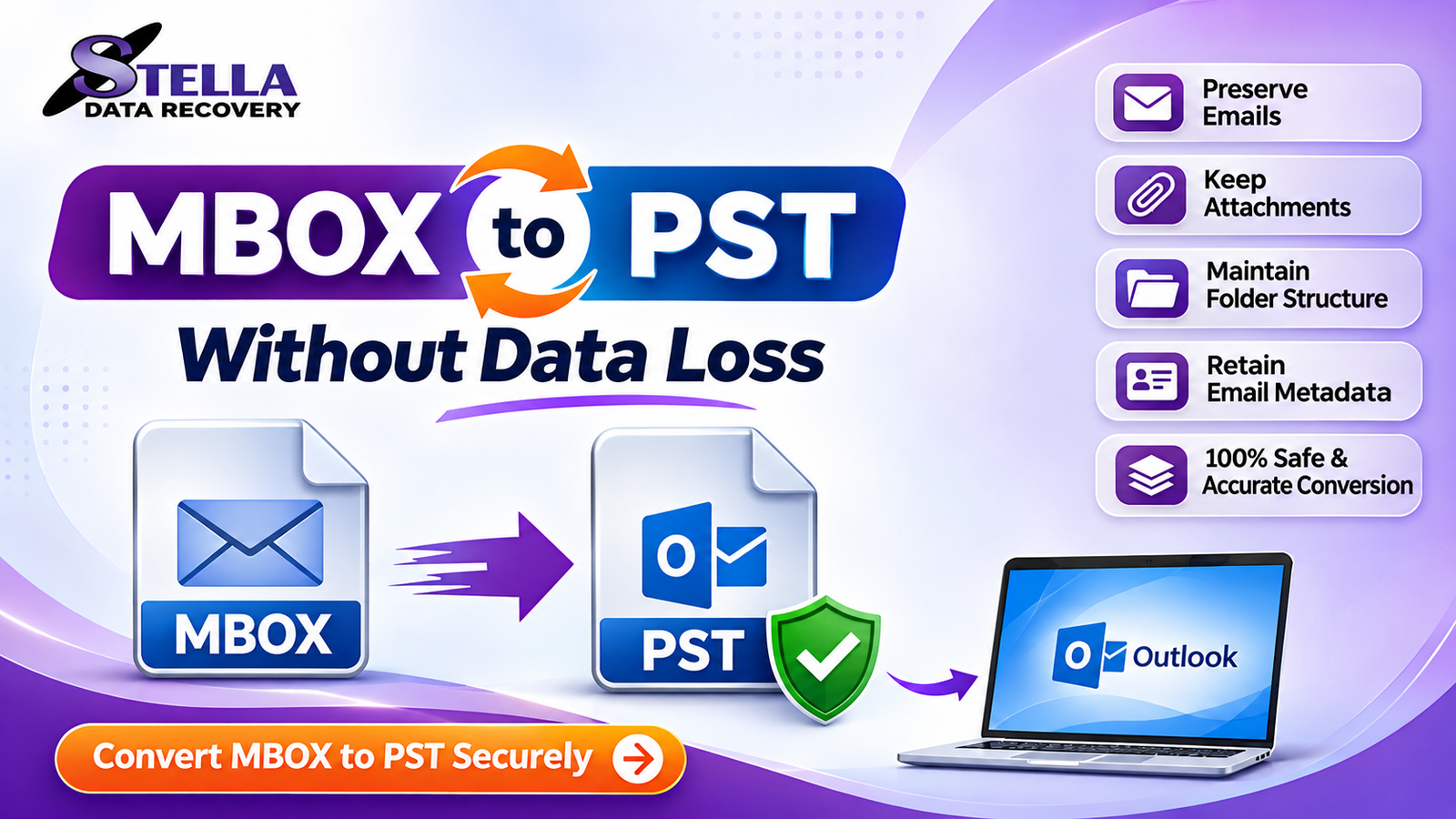
Email migration is an important task for individuals, businesses, and IT professionals who need to move mailbox data between different email platforms. MBOX is a widely used email storage format supported by applications such as Mozilla Thunderbird, Apple Mail, Eudora, and other email clients. On the other hand, PST (Personal Storage Table) is Microsoft’s proprietary file format used by Microsoft Outlook to store emails, attachments, contacts, calendars, and other mailbox information.
When users switch from an MBOX-supported email client to Microsoft Outlook, they often need a reliable way to convert MBOX to PST. However, one major concern during email migration is data loss. Missing attachments, damaged email messages, incorrect folder structures, or incomplete conversions can create serious problems.
So, how can you convert MBOX to PST without data loss? The answer involves choosing the right conversion method, preparing your source files, and verifying the converted mailbox before using it in Outlook.
This guide explains the available conversion methods, common challenges, and best practices for maintaining email integrity throughout the migration process.
What Is MBOX to PST Conversion?
MBOX to PST conversion is the process of transferring email messages stored in MBOX files into Microsoft’s PST format.
MBOX files generally store multiple email messages in a single file, while PST files organize Outlook mailbox information in a structured format. Converting MBOX files into PST makes email data accessible through compatible versions of Microsoft Outlook.
The conversion process may involve transferring:
- Email messages and their attachments
- Sender and recipient information
- Email subject lines and timestamps
- Read and unread message status
- Email folder structures
- Message formatting and metadata
A reliable conversion process should preserve supported email properties and maintain the original mailbox organization as accurately as possible.
Why Do Users Need to Convert MBOX to PST?
Several situations make MBOX to PST conversion necessary.
1. Switching to Microsoft Outlook
Users moving from Thunderbird or Apple Mail to Microsoft Outlook may need to migrate their existing email archives into PST format.
2. Centralized Email Management
Businesses often prefer Outlook because it integrates with Microsoft 365 and other Microsoft services. Converting MBOX files helps consolidate email archives into an Outlook-compatible format.
3. Long-Term Email Archiving
PST files provide a convenient way to maintain Outlook-compatible email archives for future reference.
4. Business Email Migration
Organizations changing their email infrastructure may need to transfer historical mailbox data from MBOX-supported applications to Outlook.
How to Convert MBOX to PST Without Data Loss
There are different approaches to MBOX to PST conversion. The best method depends on mailbox size, technical knowledge, available applications, and migration requirements.
Method 1: Use Thunderbird and Outlook
One possible manual approach involves using Mozilla Thunderbird as an intermediate email client.
Follow these steps:
- Install Mozilla Thunderbird on your Windows computer.
- Configure an appropriate email account or local mailbox.
- Import your MBOX email data using a compatible import extension.
- Verify that the imported messages and attachments are accessible.
- Configure an email account in Microsoft Outlook.
- Transfer the messages between the supported email environments where synchronization is available.
- Export the resulting Outlook mailbox data to PST using Outlook’s Import/Export functionality, where supported.
Important: This is an indirect migration method, not a direct MBOX-to-PST conversion. Its success depends on account configuration, synchronization limits, and the capabilities of the installed email clients. Some message properties or folder structures may not transfer exactly.
Method 2: Use Professional MBOX to PST Converter Software
For users managing large mailboxes or multiple MBOX files, dedicated MBOX to PST converter software may provide a more convenient solution.
A professional conversion tool can simplify the migration process by allowing users to load MBOX files, preview mailbox contents, select required folders, and export the data into PST format.
Typical conversion steps include:
- Download and install a trusted MBOX to PST converter.
- Launch the software on your Windows computer.
- Select the MBOX files or folders you want to convert.
- Scan the selected files and allow the software to display mailbox contents.
- Preview emails, attachments, and folder structures.
- Choose PST as the output format.
- Select the destination location for the converted file.
- Start the conversion process.
- Open the generated PST file in Microsoft Outlook.
- Verify the converted mailbox data.
Before purchasing any third-party solution, check whether it supports your MBOX file source, required output format, mailbox size, and Outlook version.
Best Practices to Prevent Data Loss During MBOX to PST Conversion
Successful email migration requires more than simply changing the file format. Following these precautions can reduce the risk of incomplete or damaged conversions.
1. Create a Backup of Original MBOX Files
Always maintain a separate copy of your original MBOX files before starting the conversion. If the migration fails, you can return to the original mailbox data.
2. Check MBOX File Integrity
Make sure the source MBOX files are accessible and not corrupted. Damaged or incomplete source files may affect the conversion results.
3. Choose Reliable Conversion Software
Select software with clear compatibility information, mailbox preview functionality, and an option to save converted PST files to a specified location.
4. Preserve Email Attachments
Attachments are important components of business communication. Check whether the selected conversion method supports attachment preservation and verify several converted messages after migration.
5. Maintain Folder Hierarchy
A properly organized mailbox makes it easier to locate historical emails. Choose a conversion method that supports folder preservation when this is required.
6. Avoid Interrupting the Conversion
Do not shut down your computer or close the conversion application while the process is running. Interruptions can result in incomplete output files.
7. Verify the Converted PST File
After conversion, open the PST file in Outlook and inspect important messages, attachments, dates, and folders. Compare the results with the original MBOX data.
Common Problems During MBOX to PST Conversion
Users may encounter several challenges during the migration process.
| Common problem | Possible reason |
|---|---|
| Missing email attachments | Unsupported conversion or incomplete source data |
| Incorrect folder structure | Limited folder mapping support |
| Conversion failure | Corrupted or inaccessible MBOX file |
| Large mailbox processing issues | Insufficient system resources |
| Missing messages | Incomplete import or export |
| Formatting differences | Differences between email client formats |
Understanding these issues helps users select an appropriate migration method and perform the necessary verification.
How to Choose the Best MBOX to PST Converter Software
Before selecting professional MBOX to PST converter software, consider the following features:
- MBOX compatibility: Supports MBOX files created by commonly used email applications.
- PST export: Generates PST files compatible with the intended Outlook version.
- Attachment preservation: Supports transferring email attachments.
- Batch conversion: Allows multiple MBOX files to be processed.
- Preview functionality: Displays mailbox contents before conversion.
- Folder preservation: Maintains the original mailbox organization where supported.
- Data security: Provides clear information about local processing, privacy, and file handling.
- Free trial: Allows users to evaluate the software before purchasing a license.
These features can make email migration more manageable, particularly for business users handling multiple mailboxes.
Frequently Asked Questions (FAQs)
Q1. Can I convert MBOX to PST without losing emails?
Yes. You can reduce the risk of data loss by backing up the original MBOX files, using a compatible conversion method, and verifying the resulting PST file.
Q2. Can I convert MBOX to PST without Outlook?
Yes. Some dedicated MBOX to PST converter applications can generate PST files without requiring Outlook to be installed. Check the software’s system requirements before using it.
Q3. Is there a free method to convert MBOX to PST?
Yes. You can use an indirect migration process involving Thunderbird and Outlook. However, it may require additional configuration and may not preserve every mailbox property.
Q4. Does MBOX to PST conversion preserve attachments?
Many conversion tools support attachment preservation. However, results depend on the source data and the software’s capabilities. Always verify important attachments after conversion.
Q5. Can I convert multiple MBOX files into PST?
Yes. Some professional conversion applications support batch processing, allowing users to convert multiple MBOX files in one operation.
Q6. Is professional MBOX to PST converter software safe?
It can be a suitable option when downloaded from a trusted vendor and used according to its documentation. Always review privacy practices, licensing, and security features before processing sensitive mailbox data.
Conclusion
Converting MBOX to PST without data loss requires careful planning, reliable tools, and proper verification. Although manual migration methods can work for smaller mailbox requirements, they may involve additional configuration and limitations.
For users managing large MBOX files, multiple email archives, or business-critical mailbox data, dedicated MBOX to PST converter software can simplify the migration process.
Before starting, create a backup, check source file integrity, select an appropriate conversion method, and verify the resulting PST file in Microsoft Outlook. These steps help reduce migration risks and make the transition between email platforms more reliable.
Looking for a convenient way to migrate your MBOX emails? Explore a professional MBOX to PST Converter Software solution, evaluate its features with a free trial where available, and choose the option that meets your email migration requirements.