Buy MBOX to PST Converter Software: Complete Guide to MBOX Email Migration
Email migration can become challenging when mailbox data is stored in MBOX format and needs to be transferred to Microsoft Outlook. MBOX is used by several popular email applications and platforms, while Outlook commonly uses PST for storing mailbox information. Because these formats are structurally different, users often need dedicated software to convert MBOX files into Outlook-compatible PST files.
If you are planning to buy MBOX to PST converter software, choosing the right solution is important. A professional converter can simplify the migration process, reduce manual effort, and help users transfer important emails and attachments in an organized manner.
What Is MBOX to PST Converter Software?
MBOX to PST converter software is a specialized utility designed to convert mailbox data stored in MBOX files into PST format. The resulting PST file can then be used with compatible Microsoft Outlook installations.
An MBOX file may contain thousands of emails and associated mailbox information. Depending on the source application, it may also include folders, attachments, and other email properties.
A dedicated MBOX to PST converter can provide an automated approach instead of requiring users to manually move individual messages.
Why Convert MBOX to PST?
There are several situations where users may need to migrate MBOX data to Outlook.
For example, an organization may move from an MBOX-supported email platform to Microsoft Outlook. Similarly, an individual may have archived email data in MBOX format and want to access it through Outlook.
Common reasons include:
- Migrating email data to Microsoft Outlook
- Moving from one email client to another
- Accessing old MBOX archives through Outlook
- Consolidating mailbox data
- Preserving important business emails
- Moving email archives to a Windows-based Outlook environment
- Creating a PST backup from MBOX mailbox data
The right conversion software can make these tasks easier, especially when working with large or multiple MBOX files.
Why Buy Professional MBOX to PST Converter Software?
Free manual techniques may be sufficient for simple migrations, but they can become complicated when mailbox data is large or when users need advanced conversion options.
1. Simplified Conversion
Professional software generally provides a guided interface where users can add an MBOX file, scan its contents, select mailbox folders, and export the required data to PST.
This reduces the number of manual steps involved in the migration.
2. Convert Large MBOX Files
Large mailbox archives can contain thousands or even millions of messages. Handling such data manually can be inconvenient.
Before purchasing an MBOX to PST converter, check whether it supports the size and structure of your MBOX files.
3. Preserve Email Attachments
Attachments are often an essential part of business communication. A suitable MBOX conversion tool should support the conversion of emails along with their associated attachments.
This helps users maintain important documents, images, invoices, and other files stored within messages.
4. Maintain Folder Organization
A well-designed converter can preserve the original mailbox hierarchy during migration. Maintaining folders such as Inbox, Sent, Drafts, and custom folders makes the resulting PST easier to organize and use.
5. Selective Conversion
Users may not always need to convert an entire mailbox. Selective conversion allows specific folders or messages to be chosen for export.
This can reduce processing time and help create a more focused PST file.
6. Preview Mailbox Data
A preview feature allows users to inspect available emails and folders before beginning the actual conversion.
This is particularly useful when several MBOX files are available and the user needs to identify the correct mailbox.
How to Convert MBOX to PST Using Professional Software
The exact interface varies by product, but the general process is straightforward.
Step 1: Install the Software
Download and install a reputable MBOX to PST converter software on a compatible Windows computer.
Step 2: Add the MBOX File
Open the application and select the MBOX file you want to convert.
Step 3: Scan the File
The software scans the MBOX file and identifies available mailbox folders and messages.
Step 4: Preview the Data
Use the preview option, if available, to inspect emails and folders before conversion.
Step 5: Select the Required Data
Choose the complete mailbox or only specific folders that need to be migrated.
Step 6: Select PST as the Output
Choose PST as the destination format and specify where the converted file should be saved.
Step 7: Start Conversion
Start the conversion process and allow the software to generate the PST file.
Step 8: Import PST into Outlook
After conversion, the resulting PST can be imported into a compatible Microsoft Outlook installation using Outlook’s supported data-import functionality.
Features to Check Before You Buy
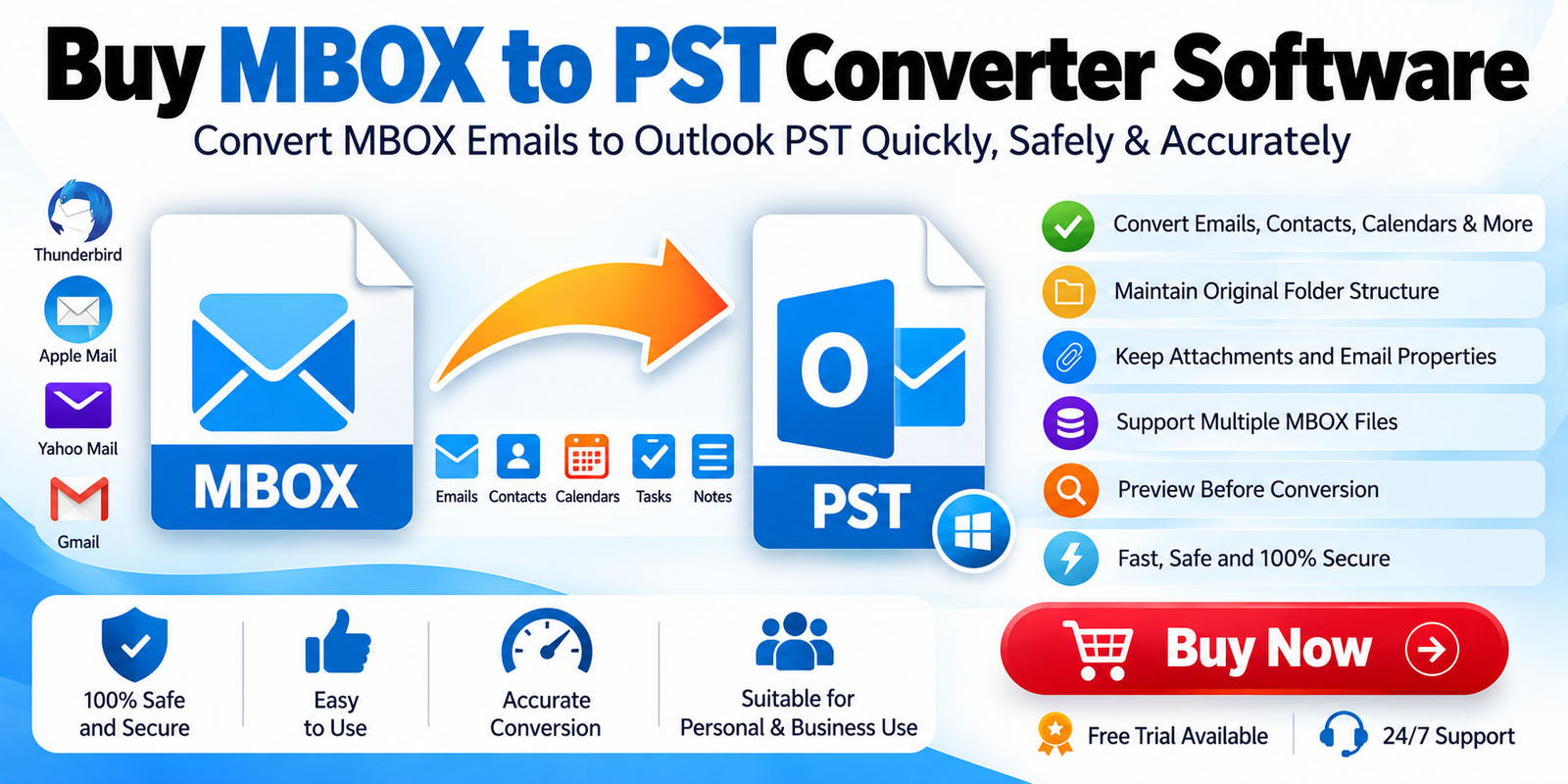
Not all MBOX conversion products offer the same features. Before you buy MBOX to PST converter software, evaluate the following capabilities.
Multiple MBOX File Support
If you are migrating several mailboxes, support for multiple MBOX files can significantly reduce repetitive work.
Attachment Conversion
Verify that attachments are included in the conversion and remain associated with their original emails.
Folder Hierarchy
Maintaining the original folder structure makes it easier to organize the migrated mailbox.
Selective Export
Selective conversion can be useful when only certain folders or messages need to be transferred.
Preview Function
A mailbox preview allows you to verify the source data before creating the PST file.
Large File Support
Check the vendor’s stated limitations for large MBOX files and mailbox archives.
Outlook Compatibility
Before purchasing, verify that the generated PST is compatible with the Outlook version you intend to use.
Trial Version
A free trial can be valuable because it lets users test the software with their own MBOX files before purchasing a full license.
MBOX to PST Converter vs. Manual Methods
The best migration method depends on the amount of data and the user’s technical requirements.
| Requirement | Manual Method | Professional Converter |
|---|---|---|
| Small mailbox | May be sufficient | Convenient |
| Large MBOX files | More difficult | Designed for larger workloads |
| Multiple MBOX files | Time-consuming | Often supported |
| Selective conversion | Limited | Common feature |
| Attachment handling | May require extra steps | Automated |
| Folder organization | May require manual work | Often preserved |
| Technical expertise | Can be higher | Generally easier |
| Repetitive migration | Time-consuming | More efficient |
For occasional, small-scale conversions, manual approaches may be adequate. For business migrations and larger archives, dedicated software can provide a more structured workflow.
Who Should Buy MBOX to PST Converter Software?
A professional MBOX conversion tool can be useful for several groups.
Individual users can use it to migrate archived email data into Outlook.
IT administrators may need conversion software when moving users between different email platforms.
Businesses can benefit when consolidating email archives or migrating employee mailboxes.
Email administrators and consultants may require specialized tools for handling multiple MBOX files during migration projects.
How to Choose the Best MBOX to PST Converter
Before purchasing, consider your actual migration requirements rather than selecting software based only on its feature list.
Ask these questions:
- Does it support my MBOX file?
- Can it handle large mailbox archives?
- Does it preserve email attachments?
- Can it maintain the original folder structure?
- Does it provide email preview?
- Can I selectively convert folders?
- Does it support multiple MBOX files?
- Is my Outlook version supported?
- Is a free trial available?
- Does the license suit personal or business use?
Testing the software with a copy of your actual MBOX data is a practical way to evaluate compatibility before making a purchase.
Benefits of Using a Reliable MBOX to PST Converter
A reliable conversion solution can simplify an otherwise complicated migration process. Instead of manually transferring individual messages, users can process mailbox data through a centralized conversion workflow.
The major benefits include:
- Faster mailbox migration
- Reduced manual effort
- Better organization
- Support for attachments
- Selective mailbox conversion
- Easier handling of large archives
- Convenient PST creation
- Simplified Outlook migration
However, users should always maintain a backup of the original MBOX data before beginning any major conversion project.
Final Thoughts
When email data is stored in MBOX format but needs to be accessed through Microsoft Outlook, converting MBOX to PST can be an effective migration approach. MBOX to PST Converter Software provides a dedicated workflow for converting mailbox data while reducing the complexity of manual migration.
If you plan to buy MBOX to PST converter software, compare important features such as large-file support, attachment conversion, folder preservation, selective conversion, mailbox preview, multiple-file processing, Outlook compatibility, and licensing.
A free trial, when available, is especially useful because it allows you to test the converter with your own MBOX files before purchasing. By selecting software that matches your technical requirements and migration volume, you can make the transition from MBOX archives to Outlook PST considerably more organized and manageable.