Introduction
Have you ever tried opening an important 7z archive only to discover that you cannot remember its password? Losing access to a password-protected archive can be frustrating, especially when it contains essential documents, business records, photographs, or backup files. Fortunately, there are several approaches you can try to recover access to a 7z archive.
In this guide, we explain how to recover a 7z password without knowing it, explore available recovery techniques, and discuss how professional 7z Password Recovery Software can help simplify the process.
What Is a 7z Password-Protected File?
A 7z file is a compressed archive created using the 7-Zip compression utility. It allows users to combine multiple files into a single archive while reducing storage requirements.
The 7z format also supports password protection through AES-256 encryption. This security mechanism helps protect confidential information from unauthorized access.
However, forgetting the password can prevent users from extracting archived files. Without the correct password, the archive may remain inaccessible.
Can You Recover a 7z Password Without Knowing It?
Yes, you may be able to recover access to a password-protected 7z archive without remembering its exact password. The available options depend on the password’s complexity, the encryption method, and whether you have any clues about the original password.
Some recovery techniques systematically test possible password combinations. Others use previously known password patterns to narrow down the search.
It is important to understand that modern encryption is designed to resist unauthorized access. No legitimate recovery tool can guarantee successful recovery of every forgotten 7z password.
Methods to Recover a Forgotten 7z Password
Here are several approaches that can help you regain access to your encrypted archive.
1. Try Previously Used Passwords
Start by checking passwords you commonly use for personal or professional files. Many users create archive passwords based on familiar patterns.
Consider checking:
- Previously used personal passwords.
- Business-related password combinations.
- Old passwords saved in password managers.
- Variations involving numbers and special characters.
- Password hints or notes stored securely.
If you remember part of the password, that information can significantly reduce the recovery search space.
2. Check Your Password Manager
If you use a password manager, search for entries associated with 7z archives, backup folders, compressed files, or the project containing the archive.
You can also check secure notes and browser password records if you previously stored the password there.
This approach is often faster than attempting automated password recovery.
3. Use Dictionary-Based Recovery
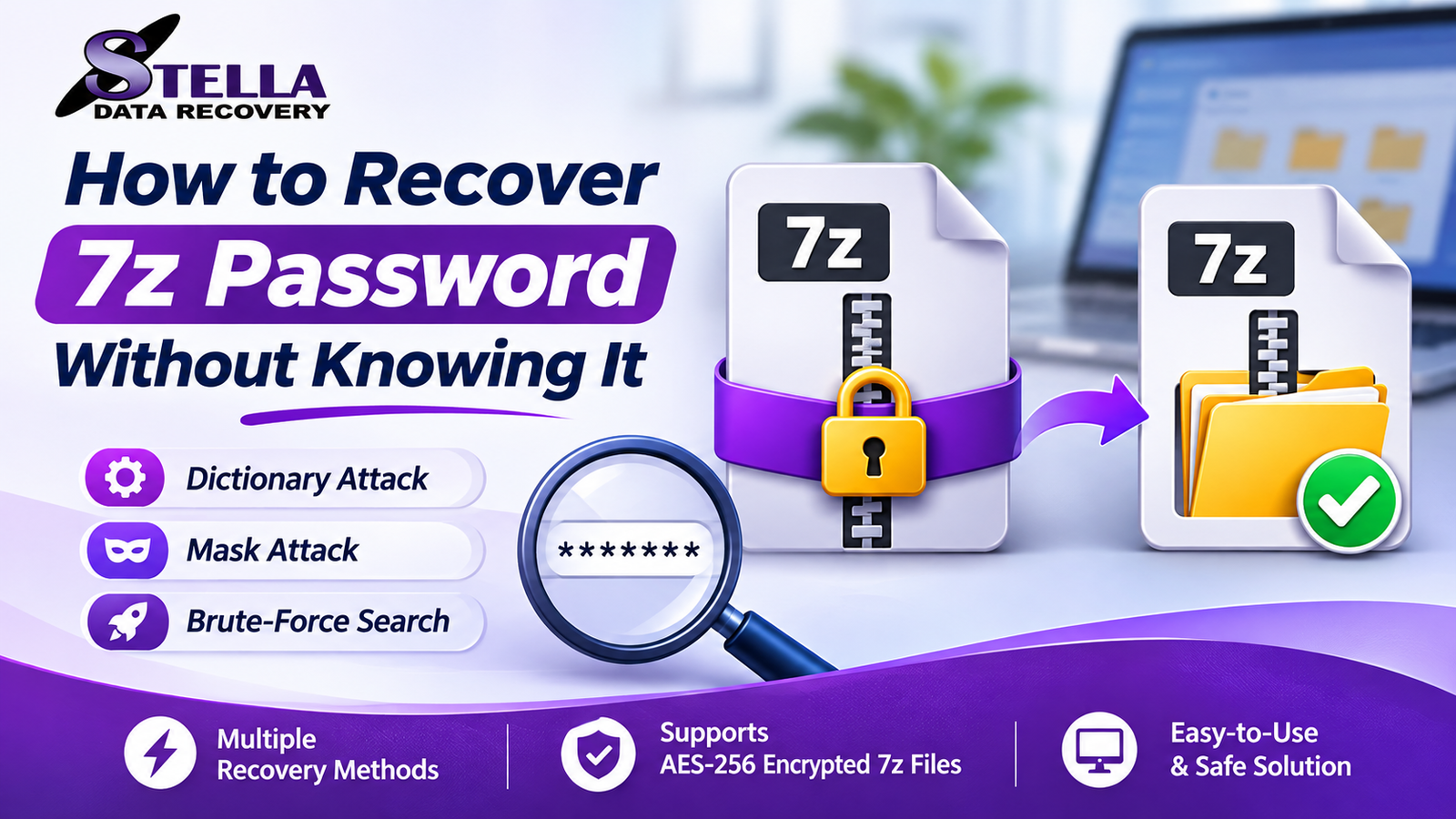
Dictionary-based recovery is a technique that tests password candidates from a predefined wordlist.
The software checks possible passwords against the encrypted archive until it finds a matching candidate or exhausts the available list.
This method may work when the original password contains common words, familiar phrases, or predictable combinations.
However, complex passwords that use random characters may not appear in dictionary files.
4. Try Mask-Based Password Recovery
Mask-based recovery is useful when you remember the password structure but cannot recall the complete password.
For example, you might remember that the password contains eight characters, starts with a particular letter, and ends with two numbers.
Instead of testing every possible combination, a mask-based approach limits the search to the patterns you specify.
This can reduce unnecessary attempts and improve recovery efficiency.
5. Use Brute-Force Password Recovery
Brute-force recovery systematically tests possible combinations of characters until a matching password is identified.
It can be useful when you have little information about the original password.
However, recovery time depends heavily on password length, character complexity, hardware performance, and encryption implementation.
Strong, randomly generated passwords may require an impractical amount of computing time.
Recover 7z Password Using Professional Software
When manual methods do not work, dedicated 7z Password Recovery Software may provide a more organized recovery workflow.
Professional recovery applications can offer different password-search strategies, configuration options, and recovery management features.
Stella Data Recovery provides software solutions for data recovery and file-related requirements. Users evaluating a 7z password recovery solution should examine its supported archive formats, recovery methods, compatibility, and trial capabilities before purchasing.
Important Features to Look For
1. Multiple Recovery Methods
Look for support for dictionary-based, mask-based, and brute-force password searching. Different methods are suitable for different password scenarios.
2. AES-256 Compatibility
Check whether the application supports the encryption configuration used by your 7z archive. Compatibility is essential for attempting recovery.
3. User-Friendly Interface
A straightforward interface makes it easier to select an archive, configure recovery options, and monitor progress.
4. Password Search Customization
Custom character sets, password length limits, and known-character patterns can help narrow the search.
5. Recovery Progress Monitoring
Progress indicators and recovery status information help users understand the current operation.
6. Windows Compatibility
Before installing software, verify that it supports your Windows operating system and hardware configuration.
Step-by-Step Guide to Recover a 7z Password
Follow these general steps when using a compatible password recovery application:
Step 1: Locate Your 7z Archive
Find the password-protected archive on your computer. Make a backup copy before attempting recovery.
Step 2: Install a Compatible Recovery Tool
Download a reputable 7z password recovery application from its official website. Verify its compatibility and system requirements.
Step 3: Select the Encrypted Archive
Open the application and browse to the location of your password-protected 7z file.
Step 4: Choose a Recovery Method
Select a suitable recovery approach:
- Dictionary recovery for common passwords.
- Mask recovery when you remember part of the password.
- Brute-force recovery when you have limited password information.
Step 5: Configure Password Parameters
If you have useful password clues, configure the relevant character sets, length limits, or known patterns.
Step 6: Start the Recovery Process
Start the password search and allow the application to test the selected candidates.
Step 7: Verify the Recovered Password
If a matching password is found, use it to open the archive with a compatible extraction utility. Verify that the required files can be extracted successfully.
Note that the availability of these features depends on the selected software.
Why Is Recovering a 7z Password Difficult?
The 7z format supports strong AES-256 encryption. This makes unauthorized access extremely difficult when a password is long and unpredictable.
Several factors affect recovery success:
- Password length: Longer passwords generally require more attempts.
- Character complexity: Random combinations increase search difficulty.
- Encryption strength: AES-256 provides strong protection.
- Hardware performance: Processing power affects candidate-testing speed.
- Password knowledge: Remembering even a few characters can help narrow the search.
Therefore, selecting the correct recovery strategy is important.
Tips to Prevent Losing 7z Passwords in the Future
After recovering access to an archive, take precautions to avoid similar problems.
- Store important passwords in a trusted password manager.
- Maintain secure backup copies of important archives.
- Use memorable but strong password-generation strategies.
- Keep recovery notes in a protected location.
- Avoid relying on a single password-storage method.
- Regularly verify that important backups can be opened.
These simple practices can help reduce the risk of losing access to important archived information.
Frequently Asked Questions (FAQs)
1. Can I recover a 7z password without knowing it?
You can attempt recovery using password clues, dictionary-based searches, mask-based searches, or brute-force methods. Success depends on password complexity and available information.
2. Can I open a 7z file without its password?
A properly encrypted 7z archive generally requires the correct password. Recovery techniques attempt to identify that password rather than bypassing the encryption.
3. Can software recover an AES-256 encrypted 7z password?
Compatible software can attempt password recovery against AES-256 encrypted archives. However, strong passwords may take an impractical amount of time to recover.
4. What is the best method for recovering a forgotten 7z password?
If you remember part of the password, mask-based recovery may be a suitable starting point. Dictionary-based recovery is useful for common passwords, while brute-force recovery explores broader combinations.
5. Is free 7z password recovery software available?
Some tools provide free trials or limited functionality. Review their supported formats, features, and recovery restrictions before choosing one.
6. Does 7z password recovery delete archive data?
Password searching should not require modifying the original archive. Nevertheless, always keep a backup copy before using recovery software.
Conclusion
Forgetting a 7z archive password does not necessarily mean losing access to your important files permanently. Checking password managers, trying familiar password combinations, and using dictionary, mask-based, or brute-force recovery techniques are possible approaches.
For users handling important encrypted archives, professional 7z Password Recovery Software can provide a structured way to attempt password recovery. Before selecting a solution, verify its compatibility, supported encryption methods, and recovery features.
Looking for a reliable way to recover a forgotten 7z password? Explore professional 7z Password Recovery Software from Stella Data Recovery and evaluate its available features to determine whether it meets your archive recovery requirements.