
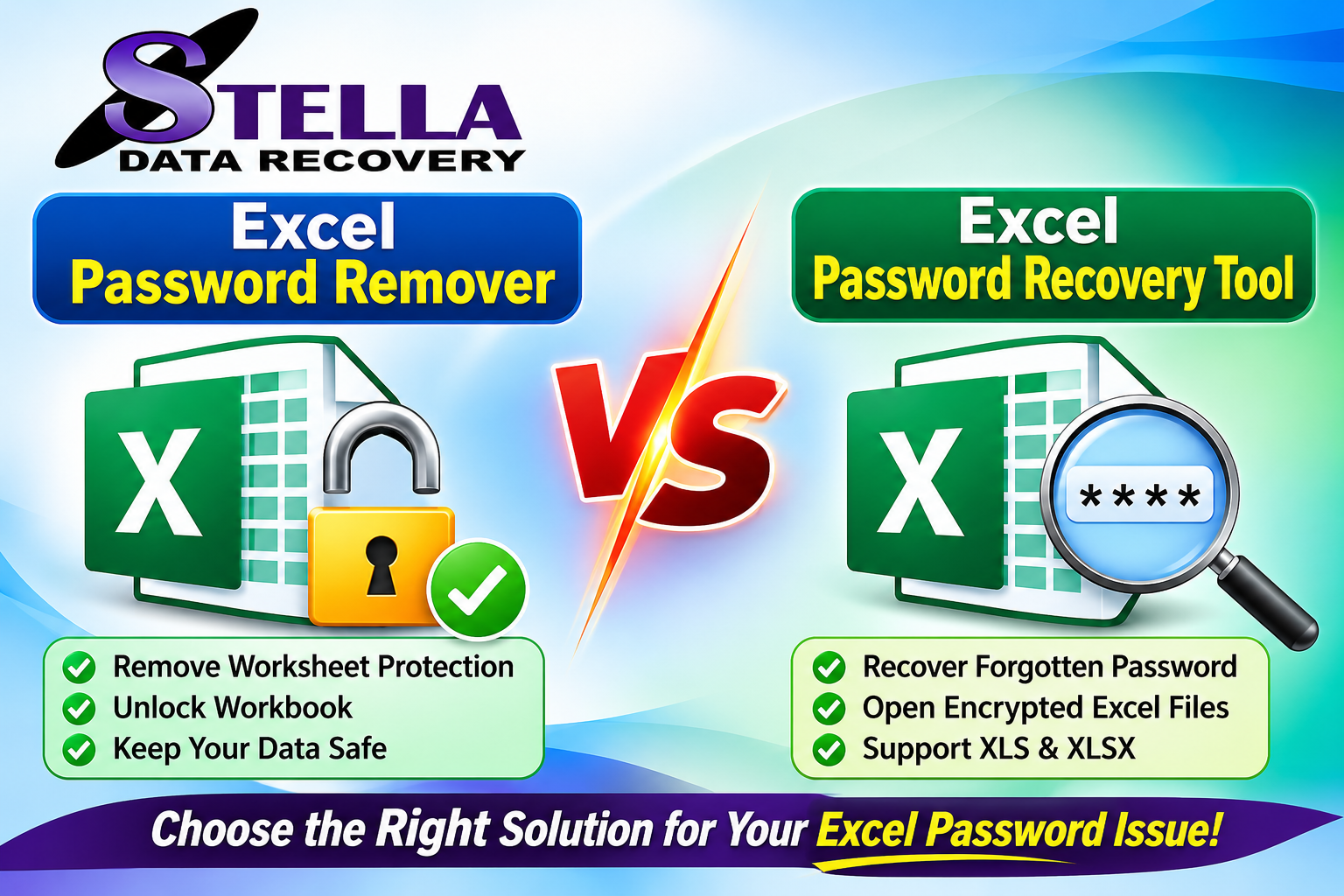
Excel spreadsheets often contain important business records, financial reports, customer information, payroll details, and confidential data. To protect this information, Microsoft Excel provides password protection and worksheet security features. However, users sometimes forget their passwords or lose access to previously protected workbooks. In such situations, choosing the right solution becomes essential.
Two commonly searched solutions are an Excel Password Remover and an Excel Password Recovery Tool. Although these terms are sometimes used interchangeably, they can refer to different functionalities. Understanding their differences helps users select the appropriate solution for their Excel files.
This article compares Excel password remover software with password recovery tools, explains their features, and explores which option is more suitable for different password-related problems.
What Is an Excel Password Remover?
An Excel Password Remover is a software solution designed primarily to remove supported password restrictions from Excel worksheets or workbooks. Depending on the Excel file format and protection type, it may help users regain editing access to spreadsheets they own or are authorized to modify.
Excel provides different protection mechanisms, including:
- Worksheet protection
- Workbook structure protection
- Password-based workbook encryption
- VBA project protection
These mechanisms do not all work in the same way. Removing worksheet protection is different from decrypting an encrypted Excel file that requires a password before opening.
A reliable password removal solution should clearly explain which protection types it supports instead of claiming that every Excel password can be removed instantly.
Key Features of Excel Password Remover Software
- Protection Removal: Helps remove supported worksheet or workbook restrictions.
- Multiple File Formats: May support older XLS and modern XLSX files.
- Simple Interface: Provides an accessible workflow for users with limited technical knowledge.
- Data Preservation: Aims to retain spreadsheet content, formatting, and formulas.
- Compatibility: May support different Microsoft Excel versions, depending on the software.
What Is an Excel Password Recovery Tool?
An Excel Password Recovery Tool is designed to help users regain access to password-protected Excel files when they have forgotten the original password.
The term generally refers to software that attempts to recover or identify a password using supported techniques. Depending on the file format and encryption method, recovery may involve dictionary-based, brute-force, or other specialized approaches.
For strongly encrypted Excel workbooks, password recovery can be computationally difficult. Success is not guaranteed, and the time required depends on password complexity, encryption strength, and available computing resources.
Key Features of Excel Password Recovery Software
- Password Recovery: Attempts to identify forgotten passwords for supported encrypted Excel files.
- Multiple Recovery Techniques: May provide dictionary, brute-force, or configurable search methods.
- XLS and XLSX Support: Compatibility depends on the software and encryption format.
- Recovery Configuration: Allows users to configure available character sets and password-length options.
- User-Friendly Operation: Helps simplify the recovery process without requiring advanced technical knowledge.
Excel Password Remover vs Password Recovery Tool: Major Differences
Although both solutions address Excel password-related problems, their primary purposes are different.
| Comparison Factor | Excel Password Remover | Password Recovery Tool |
|---|---|---|
| Primary purpose | Remove supported restrictions | Recover forgotten passwords |
| Main use | Worksheet or workbook protection | Encrypted workbook access |
| Password identification | Not necessarily required | Usually required |
| Recovery methods | Depends on protection type | May use password-search techniques |
| Processing | Often simpler for supported protection | Can require substantial processing |
| Best suited for | Authorized editing access | Forgotten opening passwords |
The most important distinction is that worksheet protection and file encryption are separate security mechanisms. A tool that removes worksheet restrictions may not be capable of recovering an encrypted workbook’s opening password.
How Does an Excel Password Remover Work?
An Excel password remover generally processes a supported Excel document and identifies the protection mechanism applied to it.
A typical workflow involves:
- Install a compatible password removal application.
- Launch the software.
- Select the Excel file you own or are authorized to modify.
- Allow the application to analyze the file’s protection type.
- Choose the supported removal operation.
- Save the resulting spreadsheet.
- Open the output file in Microsoft Excel and verify its contents.
The exact steps depend on the software and the type of Excel protection involved.
How Does an Excel Password Recovery Tool Work?
Password recovery software generally attempts to identify the original password for an encrypted Excel workbook.
A typical recovery workflow includes:
- Launch the Excel password recovery application.
- Import the encrypted XLS or XLSX file.
- Select an available recovery method.
- Configure relevant password-search parameters.
- Start the recovery process.
- Allow the software to perform its search.
- If the password is successfully identified, use it to open the original workbook.
Recovery time can vary significantly. Shorter passwords with predictable character combinations may be easier to identify than long, random passwords.
Which Solution Should You Choose?
The right choice depends on the actual problem.
Choose an Excel Password Remover when:
- You can open the spreadsheet but cannot edit a protected worksheet.
- You need to modify a protected workbook structure.
- You want to remove supported restrictions from an authorized spreadsheet.
- You need a straightforward solution for supported protection types.
Choose an Excel Password Recovery Tool when:
- You have forgotten the password required to open an encrypted workbook.
- You cannot access an important XLS or XLSX file.
- You want to attempt password recovery using available techniques.
- You need a specialized solution for password-protected Excel documents.
Before purchasing any application, verify that it supports your Excel version, file format, and specific protection mechanism.
Important Factors to Consider Before Buying Excel Password Software
Selecting reliable software requires more than comparing product prices. Consider the following factors before making a purchase.
1. File Format Compatibility
Check whether the application supports the Excel formats you use, including XLS and XLSX. Compatibility with newer Excel versions should also be verified.
2. Recovery Accuracy
Look for transparent information about supported encryption methods and recovery limitations. Avoid products that guarantee recovery of every password regardless of complexity.
3. Data Integrity
A trustworthy solution should prioritize the preservation of spreadsheet data, formulas, formatting, and worksheets.
4. Easy-to-Use Interface
A clear interface makes the process easier for beginners and experienced users alike.
5. Security and Privacy
Excel spreadsheets may contain confidential financial or business information. Review the software’s privacy policy and prefer solutions that process sensitive documents locally when appropriate.
6. Free Trial Availability
A free trial can help users evaluate the interface, compatibility, and available features before purchasing a full license.
7. Technical Support
Check whether the vendor provides installation assistance, documentation, and responsive customer support.
Why Professional Excel Password Recovery Software Can Be Useful
Manual troubleshooting may be sufficient for certain worksheet protection issues. However, recovering an encrypted workbook’s forgotten opening password is a different challenge.
Professional Excel password recovery software can provide a structured interface, configurable recovery methods, and compatibility options in one application.
For businesses handling multiple spreadsheets, a dedicated application may also simplify the recovery workflow. Nevertheless, users should understand that strong encryption cannot necessarily be bypassed through a simple password removal operation.
Frequently Asked Questions (FAQs)
Q1. What is the difference between an Excel Password Remover and a Password Recovery Tool?
An Excel Password Remover focuses on removing supported protection restrictions, while a password recovery tool attempts to identify forgotten passwords, particularly for encrypted workbooks.
Q2. Can I recover a forgotten Excel opening password?
You can attempt recovery using compatible password recovery software. However, success depends on encryption strength, password complexity, and available recovery methods.
Q3. Does Excel Password Remover work with XLSX files?
Some applications support XLSX files, but compatibility depends on the protection type and software version.
Q4. Can password removal software recover encrypted Excel files?
Not necessarily. Removing worksheet protection and recovering an encrypted workbook’s opening password require different technical capabilities.
Q5. Is free Excel password recovery software reliable?
Free tools may provide limited functionality. Evaluate compatibility, security, recovery methods, and vendor reputation before using them.
Q6. Should I choose a free trial or a paid Excel password recovery tool?
A free trial is useful for evaluating software features and compatibility. A paid version may provide additional functionality, support, or recovery options.
Conclusion
Choosing between an Excel Password Remover and an Excel Password Recovery Tool depends on the type of password protection applied to your spreadsheet. A password remover is generally appropriate for supported worksheet or workbook restrictions, whereas a recovery tool is intended to help identify forgotten passwords for encrypted Excel files.
Before selecting software, identify your Excel protection type, check file compatibility, review recovery capabilities, and prioritize data security.
If you regularly work with protected spreadsheets, investing in a professional Excel Password Recovery Software solution may provide a more organized way to manage authorized password recovery tasks.
Explore a professional Excel password recovery solution today. Check its supported XLS and XLSX formats, evaluate the available features with a free trial, and choose the right license for your requirements.