
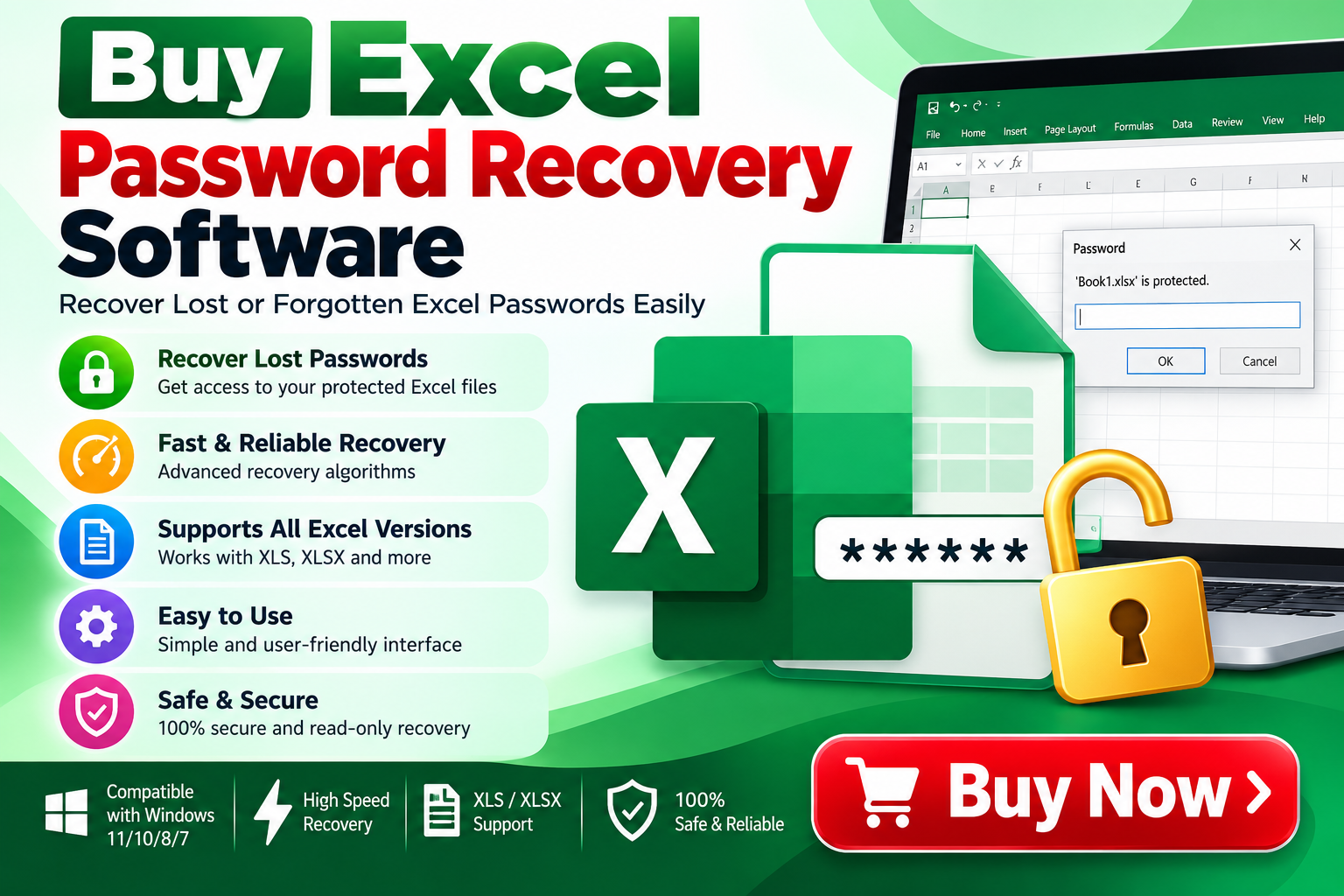
Buy Excel Password Recovery Software: A Complete Guide
Forgetting the password of an important Excel workbook can create an unexpected problem. A password-protected spreadsheet may contain financial reports, business records, customer information, calculations, or other valuable data. When the original password is unavailable, users often look for a reliable way to regain access without rebuilding the entire workbook.
This is where Excel Password Recovery Software can be useful. Specialized recovery tools are designed to help users recover or regain access to password-protected Excel files when they have legitimate authorization to access the data.
If you are planning to buy Excel Password Recovery Software, it is important to understand how these tools work, what features to consider, and how to select software suitable for your recovery requirements.
What Is Excel Password Recovery Software?
Excel Password Recovery Software is a specialized application designed to help recover passwords associated with Microsoft Excel files. Depending on the Excel file type and protection mechanism, recovery software may use different techniques to identify or recover the required password.
Modern Excel files can use different forms of protection and encryption. Therefore, the recovery method can vary depending on the file format, Excel version, password type, and security mechanism applied to the workbook.
A professional recovery utility generally provides a guided interface so users can select their protected Excel file and choose an appropriate recovery approach.
Why Do Users Need Excel Password Recovery Software?
Passwords are useful for protecting sensitive spreadsheets, but forgotten credentials can prevent legitimate users from accessing their own files.
Common situations include:
- Forgetting an old Excel workbook password
- Losing password information after employee turnover
- Recovering access to archived spreadsheets
- Accessing legacy business documents
- Recovering important financial spreadsheets
- Working with password-protected Excel files inherited from another system
- Restoring access to previously created reports
Instead of manually trying to remember an old password, specialized software can provide a structured recovery workflow.
How Does Excel Password Recovery Software Work?
The exact recovery process depends on the type of protection used by the Excel file. Recovery tools may provide multiple approaches, such as dictionary-based, brute-force, mask-based, or other supported techniques.
In simple terms, the software systematically tests possible password combinations according to the selected recovery configuration.
For example, if you remember that the password contains a particular character pattern, a recovery utility may allow you to define that information to narrow the search.
A typical workflow looks like this:
Step 1: Install the Recovery Software
Install the Excel password recovery application on a compatible computer.
Step 2: Add the Protected Excel File
Launch the application and select the workbook for which you have authorization to recover access.
Step 3: Identify the Protection Type
Some software can analyze the workbook and determine the applicable protection mechanism.
Step 4: Select a Recovery Method
Depending on the available options, choose an appropriate recovery mode and configure relevant parameters.
Step 5: Start the Recovery Process
The software attempts possible password combinations based on the selected configuration.
Step 6: Recover and Verify Access
Once the appropriate password is identified, use it to access the protected workbook and verify that the required spreadsheet data is available.
Key Features to Consider Before You Buy
Not every Excel password recovery application provides the same functionality. Before purchasing, evaluate the following features.
1. Support for Excel File Formats
Check whether the software supports the Excel formats you actually use, such as older XLS files and newer XLSX-based workbooks.
Format compatibility is particularly important when dealing with legacy business files.
2. Multiple Recovery Methods
A useful recovery application may provide different password-search methods. Common approaches can include dictionary attacks, brute-force recovery, and mask-based searches.
Multiple methods can be helpful because users often have partial information about the forgotten password.
3. Password Mask Support
If you remember part of the password, mask-based recovery can reduce the number of possible combinations that need to be tested.
For example, knowing the approximate password length or certain characters may help narrow the recovery search.
4. Resume or Recovery Management
Password recovery can sometimes take considerable time, particularly when the search space is large. Features that help manage or resume a recovery operation can be useful for lengthy tasks.
5. User-Friendly Interface
A complicated interface can make password recovery unnecessarily difficult. Look for software with clearly labeled options and a straightforward workflow.
6. Performance
Recovery speed can depend on the password’s complexity, the recovery method, the file type, and available system resources. Software that efficiently uses available CPU resources can be beneficial for computational recovery tasks.
7. Trial or Demo Version
Before purchasing, check whether a trial or demo version is available. Testing the application with your own authorized file can help you understand its compatibility and workflow before buying a license.
Buy Excel Password Recovery Software for Business Use
Businesses frequently maintain spreadsheets containing accounting information, sales reports, employee records, inventory data, and operational information.
When employees leave an organization, password information may not always be transferred properly. A recovery utility can provide IT teams and authorized administrators with a structured option for dealing with inaccessible Excel files.
Organizations should also maintain appropriate access controls and document password-management procedures to reduce the likelihood of future access problems.
Excel Password Recovery Software vs. Manual Recovery
Manual recovery generally involves trying to remember or reconstruct the original password. This may work when the password is simple and familiar, but it becomes increasingly difficult when the password is complex or unknown.
Dedicated software can automate the search process according to predefined recovery methods.
The key difference is automation. Instead of manually entering passwords repeatedly, the software can systematically test candidate passwords within the configured search space.
However, recovery time can vary significantly. A short password with a limited character set may be easier to recover than a long password containing many possible combinations.
Important Security Considerations
Password recovery software should be used only with files that you own or are explicitly authorized to access.
Excel passwords can protect sensitive business and personal information. Always respect organizational policies, data-protection requirements, and applicable laws when recovering protected files.
It is also recommended to create a backup copy of the original file before attempting recovery. Never overwrite the original workbook unnecessarily.
How to Choose the Right Excel Password Recovery Software
Before you buy Excel Password Recovery Software, use this checklist:
- Does it support your Excel file format?
- Does it support your Excel version?
- Does it provide multiple recovery methods?
- Can you configure password characteristics?
- Does it support mask-based recovery?
- Is the interface easy to understand?
- Can it use available system resources efficiently?
- Is a trial or demo available?
- Does the vendor provide technical support?
- Is the license appropriate for personal or business use?
These questions can help you identify software that matches your particular recovery scenario.
Best Practices After Recovering an Excel Password
Once access has been restored, consider taking steps to prevent the same problem from happening again.
Store important passwords in a reputable password manager, maintain secure backups, and document access procedures for business-critical files.
For organizational spreadsheets, consider establishing a controlled password-management policy rather than relying on individual employees to remember credentials.
You should also maintain multiple backups of important Excel files so that a forgotten password does not become the only barrier to accessing critical information.
Final Thoughts
Choosing to buy Excel Password Recovery Software can provide a structured way to address forgotten-password situations involving authorized Excel workbooks. The right software can automate password-search techniques and provide configuration options that are difficult to manage manually.
Before purchasing, focus on Excel format compatibility, supported recovery methods, password-mask capabilities, performance, ease of use, trial availability, and technical support.
Most importantly, use password recovery software responsibly and only for files you are authorized to access. With the right tool and a suitable recovery configuration, users can approach forgotten Excel passwords in a systematic and organized manner.