Are you looking for a reliable way to convert Mac Outlook OLM files into EML format? Choosing the right OLM to EML Converter Software can make email migration easier, faster, and more organized. Whether you want to access old Outlook for Mac emails, migrate mailbox data to another email client, or preserve important business correspondence, a professional conversion solution can help simplify the process.
OLM files store mailbox information from Microsoft Outlook for Mac, including emails, attachments, folders, contacts, and other mailbox data. However, users sometimes need their emails in EML format because it is supported by several email applications and provides a convenient way to manage individual messages.
If you regularly work with email archives or manage important business communications, investing in a professional OLM to EML Converter Software can be a practical choice.
What Is OLM to EML Conversion Software?
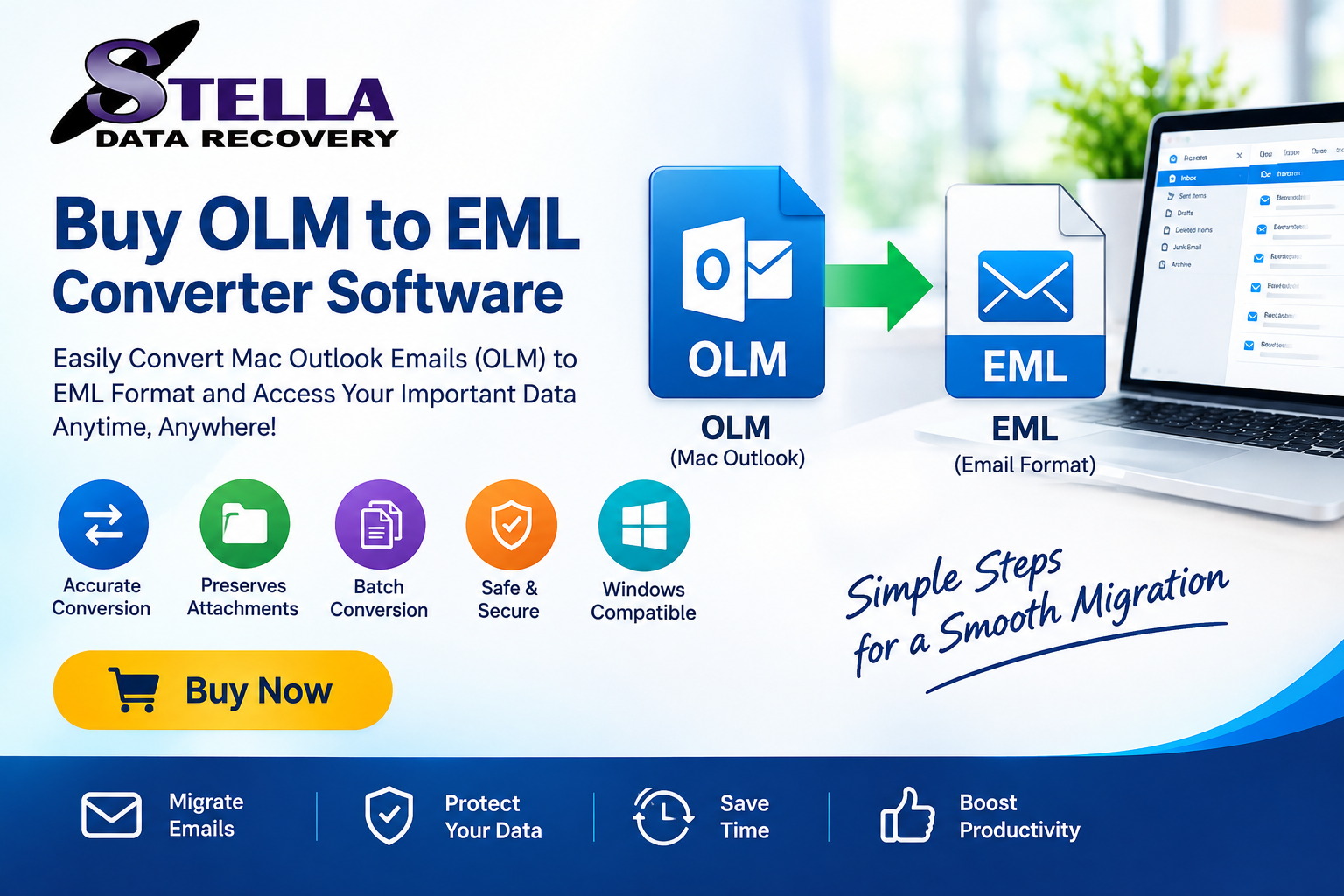
OLM to EML Converter Software is a specialized application designed to extract email messages from Outlook for Mac OLM files and save them in EML format.
OLM is a mailbox data file format associated with Outlook for Mac, whereas EML is an individual email message format supported by multiple email clients.
In simple terms, think of an OLM file as a container holding multiple emails. An OLM to EML converter helps extract those messages and save them as separate EML files.
A professional tool can simplify this process without requiring users to manually recreate or forward individual messages.
Why Should You Buy OLM to EML Converter Software?
Free methods may work for small or straightforward conversion requirements, but they can become inconvenient when dealing with large mailbox archives or multiple OLM files.
Here are some reasons to consider purchasing a professional conversion tool.
1. Simplify Large Email Conversions
Manually exporting individual emails can consume considerable time. Professional conversion software can process multiple email messages in a more organized workflow.
Look for batch conversion support if you regularly handle large OLM archives.
2. Preserve Important Email Information
Email messages often contain valuable information beyond their text content. Attachments, sender details, recipient addresses, timestamps, and formatting may all be important.
Before purchasing a tool, check whether it preserves:
- Email subject and message body
- Sender and recipient information
- Date and time details
- Email attachments
- HTML and plain-text formatting
- Folder organization, where supported
Always test the software with sample files to confirm the conversion results.
3. Convert OLM Files Without Outlook for Mac
One common challenge is accessing an old OLM archive when Outlook for Mac is no longer installed or available.
A compatible standalone converter may allow users to load an existing OLM file and export its email messages into EML format without depending on an active Outlook for Mac installation.
Check the software’s system requirements and OLM compatibility before purchasing.
4. Save Time with Batch Conversion
Suppose you have several OLM files containing thousands of email messages. Processing them individually can make migration unnecessarily complicated.
A batch conversion feature can help users select multiple files and process their email data through one workflow.
This feature is particularly useful for IT administrators, businesses, and professionals managing archived mailboxes.
5. Manage Email Data More Flexibly
EML files are useful when users want to manage individual email messages separately.
They can be imported into compatible email applications, archived independently, or transferred between supported systems.
This flexibility makes OLM to EML conversion useful for email migration, backup, and long-term accessibility.
Important Features to Check Before Buying an OLM to EML Converter
Not every conversion application offers the same capabilities. Before purchasing, evaluate the following features.
| Feature | Why It Matters |
|---|---|
| OLM file compatibility | Supports the source mailbox files |
| EML export | Converts emails into the required format |
| Batch conversion | Saves time when processing multiple files |
| Attachment preservation | Helps retain associated email attachments |
| Folder handling | Maintains mailbox organization where supported |
| Preview option | Allows users to inspect mailbox content |
| Windows compatibility | Supports the intended operating system |
| Simple interface | Makes conversion easier for beginners |
| Data security | Helps protect confidential mailbox information |
| Free trial | Allows testing before purchasing |
Choosing software based on these capabilities can help reduce compatibility issues and improve the migration experience.
How to Convert OLM Files to EML Using Professional Software
Although the exact interface depends on the software, most OLM to EML conversion applications follow a similar process.
Step 1: Install the Converter
Download the OLM to EML Converter from the official software provider. Install it on a compatible Windows computer.
Step 2: Add OLM Files
Launch the application and select the option to browse or open OLM files. Locate the required OLM archive on your computer.
Step 3: Preview Mailbox Data
If the application provides a preview feature, inspect the available mailbox folders and email messages before proceeding.
Step 4: Select EML as the Output Format
Choose EML from the supported export formats. Select the emails or folders you want to convert.
Step 5: Choose the Destination
Specify a suitable location on your computer where the converted EML files should be saved.
Step 6: Start Conversion
Click the conversion or export option. Allow the application to process the selected mailbox data.
Step 7: Verify the Results
Open a sample of the exported EML files in a compatible email application. Check message content, attachments, sender details, and formatting.
This verification step is important before deleting or archiving the original OLM data.
Free OLM to EML Converter vs Paid Software
Many users initially search for a free OLM to EML Converter. While free utilities may be sufficient for limited requirements, professional software can offer additional features.
| Comparison | Free Tools | Paid Software |
|---|---|---|
| Basic conversion | May be available | Usually available |
| Batch conversion | May be limited | Depends on product |
| Large files | Varies | Depends on product |
| Advanced features | Often limited | May offer more options |
| Technical support | May be unavailable | Depends on license |
| Free trial | Not always | Often available |
A free tool may be suitable for occasional conversion. However, users handling important business archives may prefer a professionally supported solution.
Do not assume that every paid converter supports every feature. Review the product specifications and trial limitations before purchasing.
Who Needs to Buy OLM to EML Converter Software?
A professional OLM to EML conversion solution may be useful for several types of users.
Business Professionals: Employees who need to access archived Outlook for Mac emails in another supported email application.
IT Administrators: Technical teams responsible for mailbox migration, email archiving, and data management.
Small Businesses: Organizations moving away from older Mac-based email environments.
Freelancers and Consultants: Professionals who need to maintain access to previous client communications.
Individual Users: People who have old OLM backups and want to extract their emails into individual EML files.
Why Choose a Professional OLM to EML Conversion Solution?
Selecting suitable conversion software is about more than simply changing a file extension. A reliable solution should help users access mailbox information while maintaining the integrity of important email data.
Before making a purchase, consider these points:
- Verify compatibility with your OLM files.
- Check whether attachments are exported correctly.
- Look for batch conversion support.
- Review supported Windows versions.
- Test the application using its free trial.
- Understand the licensing and refund policies.
- Confirm that the software does not upload confidential mailbox data without your permission.
A careful evaluation can help you select a tool that matches your technical requirements and budget.
Frequently Asked Questions (FAQs)
1. What is the best OLM to EML Converter Software?
The best software should provide reliable OLM file compatibility, accurate EML export, attachment handling, batch conversion, and a straightforward interface. Always test a trial version before purchasing.
2. Can I buy OLM to EML Converter Software for Windows 11?
Yes. Some professional OLM conversion applications support Windows 11. Check the vendor’s system requirements before purchasing.
3. Can I convert OLM to EML without Outlook for Mac?
Yes. A compatible standalone conversion application may allow you to export emails directly from an existing OLM file without installing Outlook for Mac.
4. Does OLM to EML conversion preserve attachments?
Attachment preservation depends on the converter. Choose software that explicitly supports attachment extraction and verify the exported files before relying on them.
5. Can I convert multiple OLM files into EML?
Some professional converters support batch processing. Check whether the selected product allows multiple OLM files or mailbox folders to be processed together.
6. Is a free OLM to EML Converter better than paid software?
Free tools may work for basic requirements. Paid software may provide additional features, technical support, and batch processing capabilities. The right choice depends on your needs.
7. Is it safe to use OLM to EML Converter Software?
Choose software from a trusted provider, download it from the official website, and review its privacy and security practices. Always retain an original backup before conversion.
Conclusion: Buy the Right OLM to EML Converter Software
Converting OLM files into EML format can make archived Outlook for Mac emails easier to access, organize, and migrate. However, manually processing large mailboxes can be time-consuming and inconvenient.
A professional OLM to EML Converter Software can simplify this task through features such as batch processing, attachment handling, mailbox preview, and standalone conversion.
Before buying, compare the available features, check system compatibility, and use a free trial to evaluate the conversion results.
Ready to simplify your email migration? Explore a professional OLM to EML conversion solution, test its capabilities, and choose the software that best meets your email conversion requirements.
Call to Action: Download the free trial today and evaluate the OLM to EML conversion process before purchasing the full version.