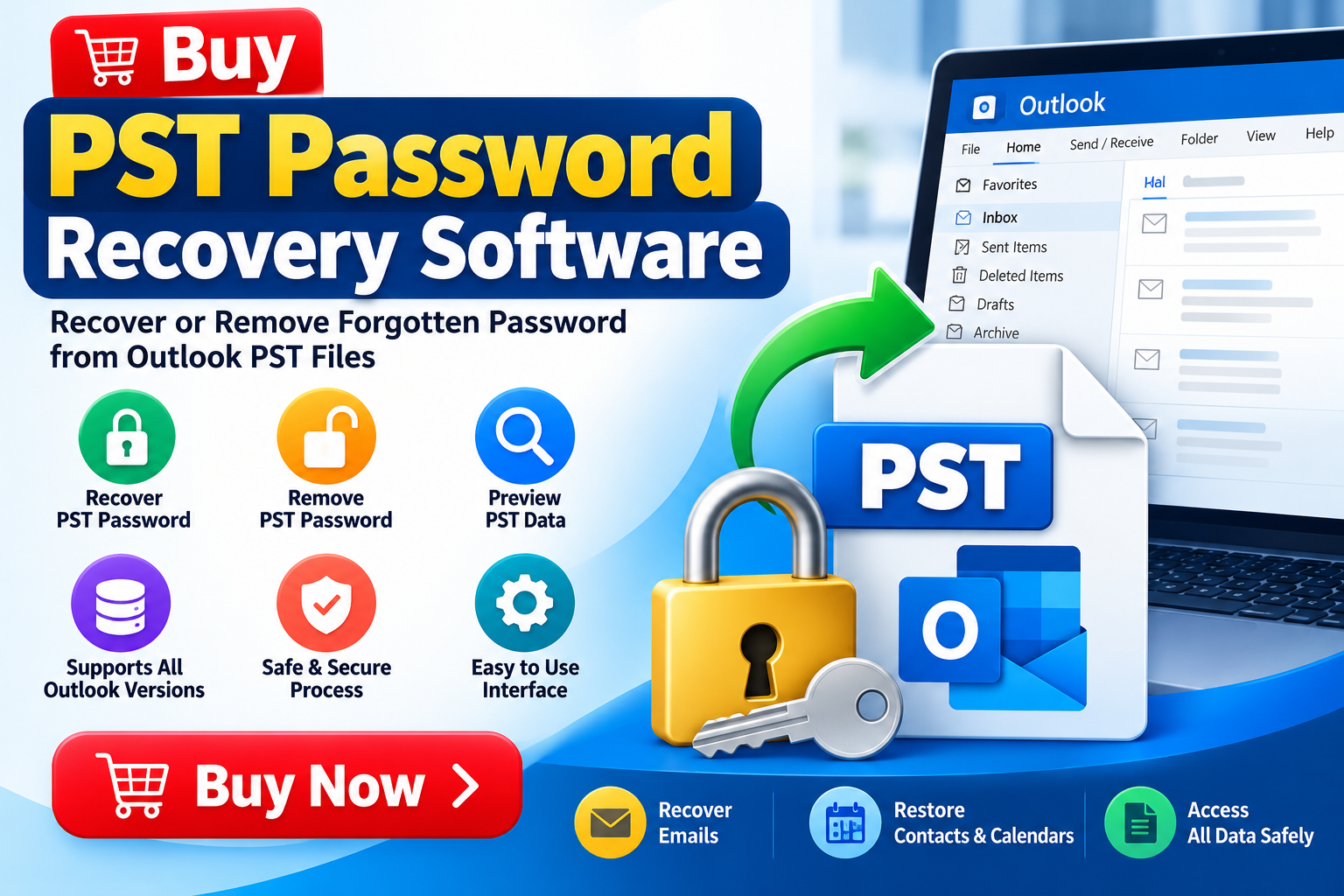
Microsoft Outlook is widely used by individuals and businesses to manage emails, contacts, calendars, and archived mailbox data. Many users store important information in PST (Personal Storage Table) files for backup, archiving, and email migration. However, when a PST file is protected with a password and that password is forgotten, accessing the stored information can become difficult.
PST Password Recovery Software provides a specialized approach to addressing forgotten-password problems associated with Outlook data files. If you need to buy PST Password Recovery Software, it is important to evaluate its recovery capabilities, compatibility, security features, and ease of use before making a purchase.
This guide explains what PST password recovery software does, which features to consider, and how to choose a suitable solution for your requirements.
What Is PST Password Recovery Software?
PST Password Recovery Software is a utility designed to help users regain access to password-protected Outlook PST files. Depending on the product, it may support password recovery, password removal, or other methods of accessing protected Outlook data.
PST files can contain business correspondence, personal messages, attachments, contacts, calendar entries, and archived email conversations. Losing access to these files can create challenges when users need to review historical information or migrate their mailbox data.
A dedicated recovery tool may simplify the process compared with manually troubleshooting an inaccessible archive. However, capabilities vary between products, and users should verify the exact supported scenarios before purchasing.
Why Buy PST Password Recovery Software?
There are several situations in which specialized PST password recovery software may be useful.
1. Recover Access to Archived Emails
Users sometimes forget passwords assigned to older Outlook archives. A suitable recovery tool may help restore access to supported PST files, allowing users to retrieve important messages and attachments.
2. Support Business Data Management
Businesses often retain Outlook archives for recordkeeping, historical reference, and internal communication. Recovering access to an authorized archive can help employees locate information needed for ongoing work.
3. Simplify Outlook Data Migration
When preparing to migrate archived Outlook information to another profile or computer, users may first need to access the existing PST file. Recovery software can be useful when a forgotten password prevents access to a supported archive.
4. Reduce Manual Troubleshooting
Searching through old records for a forgotten password can consume valuable time. A purpose-built utility provides a more structured process for addressing the problem, although successful recovery depends on the file and the software’s capabilities.
5. Handle Multiple Archive Files
Some organizations maintain several Outlook PST files. Depending on the product, batch processing or multiple-file support may help streamline the recovery workflow.
Key Features to Check Before You Buy
Not all PST Password Recovery Software offers the same capabilities. Review the following features before selecting a product.
Broad Outlook Compatibility
Look for software that clearly identifies the supported Outlook versions and Windows operating systems. If your environment uses Outlook 2016, Outlook 2019, Outlook 2021, or Microsoft 365, confirm compatibility with your specific setup.
Clear Recovery Capabilities
Check whether the tool supports password recovery, password removal, or both. These are different functions, and product descriptions should explain exactly what the software can do.
Do not assume that every product can recover every password-protected PST file.
Simple User Interface
A straightforward interface can make the recovery process easier for users with limited technical knowledge. Features such as file browsing, clear progress indicators, and understandable error messages are useful.
Preview and Verification
If available, preview functionality can help users confirm that the expected mailbox information is accessible before proceeding with additional operations.
Batch Processing
For users managing several archive files, batch processing may reduce repetitive work. Verify whether this feature is included in the purchased edition.
Security and Privacy
PST files can contain confidential business or personal information. Review the vendor’s privacy policy, data-handling practices, installation requirements, and security documentation before using any recovery tool.
Trial Availability
A free trial or demonstration can help you assess the interface and confirm that the software recognizes your file before you purchase a license. Check whether the trial has feature restrictions.
How to Choose the Right PST Password Recovery Tool
Selecting the right software requires more than comparing product prices. Consider these factors:
Compatibility: Confirm that the product supports your operating system and relevant PST file type.
Recovery requirements: Determine whether you need password recovery, password removal, or simply assistance opening an Outlook archive.
File condition: Establish whether the problem is limited to a forgotten password or whether the PST file may also be corrupted.
License terms: Review the number of computers covered, permitted usage, upgrade policy, and available technical support.
Vendor reputation: Read independent reviews and check whether the vendor provides clear documentation and legitimate contact information.
Data protection: Prefer a transparent recovery process and avoid uploading confidential PST files to unknown online services.
Choosing software based on these factors can help you avoid purchasing a tool that does not address your particular problem.
How PST Password Recovery Software Typically Works
The exact workflow varies by product, but a typical process may include the following steps.
- Download the software: Obtain the installer from the official vendor website.
- Install the application: Follow the installation instructions and review the required permissions.
- Select the PST file: Browse to the Outlook data file you own or are authorized to access.
- Run the supported recovery process: Follow the application’s instructions for password recovery or removal.
- Review the results: Check whether the application reports a successful operation and whether the expected file can be accessed.
- Verify the mailbox data: Confirm that important emails, attachments, and folders are available before making further changes.
Always preserve an unchanged backup of the original PST file. Avoid running recovery operations on your only copy of important data.
Free vs. Paid PST Password Recovery Software
Users often compare free utilities with paid software before making a purchase.
Free tools may be sufficient for limited requirements, but their supported file types, recovery functions, processing limits, or technical support may be restricted.
Paid products may offer additional features, broader compatibility, batch processing, or vendor support. However, a higher price does not automatically guarantee better results.
Before buying, compare the trial version, supported recovery scenarios, license conditions, and refund policy. Select a product based on verified capabilities rather than marketing claims.
Common Problems and Important Limitations
The Software Cannot Open the PST File
The file may be damaged, incompatible with the utility, or affected by a problem unrelated to password protection. Check the file condition and product documentation before continuing.
The Forgotten Password Cannot Be Recovered
Recovery success depends on the protection method, file characteristics, and the capabilities of the chosen software. No reputable provider should promise universal recovery without qualification.
Outlook Still Cannot Access the File
A recovered or removed password does not necessarily resolve corruption, file-system problems, or other Outlook issues. Diagnose these separately when necessary.
The Trial Version Has Restrictions
Some trials provide scanning or preview functionality without enabling complete recovery or export. Review trial limitations before deciding whether to purchase.
Frequently Asked Questions
What is the purpose of PST Password Recovery Software?
It is designed to help users regain access to supported password-protected Outlook PST files through password recovery or removal features.
Can I recover a forgotten PST password without Outlook?
Some standalone tools may work with PST files without requiring the original Outlook profile. Confirm this capability with the vendor before purchasing.
Is PST password recovery guaranteed?
No. Results depend on the file, its protection method, and the software’s supported capabilities.
Should I buy software or try a free tool first?
If a trial is available, testing it with a copy of your PST file is a sensible first step. Purchase only after reviewing compatibility, functionality, and license terms.
Is it safe to use PST Password Recovery Software?
Safety depends on the provider and how the software processes data. Download from an official source, verify the vendor, preserve a backup, and protect confidential mailbox information.
Conclusion: Buy PST Password Recovery Software for Your Requirements
A forgotten Outlook PST password can prevent access to important archived emails and business records. The right PST Password Recovery Software may provide a practical solution when its supported recovery capabilities match your situation.
Before you buy PST Password Recovery Software, evaluate compatibility, password recovery and removal features, trial availability, license terms, technical support, and privacy practices. Test the product with a backup copy whenever possible, and verify the results before relying on the recovered archive.
Ready to choose a PST password recovery solution? Review the product’s official specifications, try the available demonstration, and select a license that fits your technical requirements and authorized data-recovery needs.